DexScreener Listing Kit
Listing Header Artwork
The Solana Melt banner, ready for the Header image field of the $GCC DexScreener listing. Download it as a 3:1 file in the size DexScreener asks for, then upload it there.
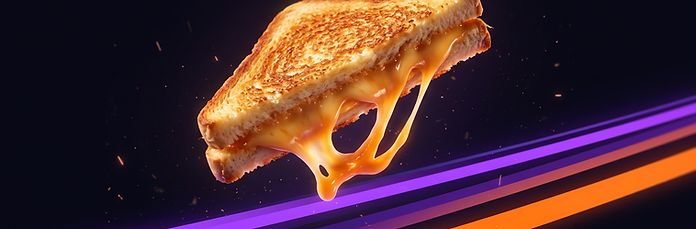
Grilled Cheese Coin$GCCLIVE ON SOLANAgrilledcheesecoin.xyz
Preview of the downloaded 3:1 header
3:1 aspect ratio1800 × 600px
Min. width 600px1800px wide
PNG, JPG, WEBP or GIFPNG
Max. file size 4.5MBchecked on download
The artwork you picked is 16:9 and above DexScreener's file limit, so the download crops it to 3:1, nudges it right to make room for the name, ticker, network and website, and exports at 1800 × 600. The artwork itself is untouched.
How to add it to DexScreener
1
Open Token Info
In DexScreener, go to your token's Token Info page and scroll to the Header section.
2
Upload the header
Press “Upload image” and choose the PNG you saved from the artwork below.
3
Submit the update
Confirm the change and wait for DexScreener to review and apply the new header.